
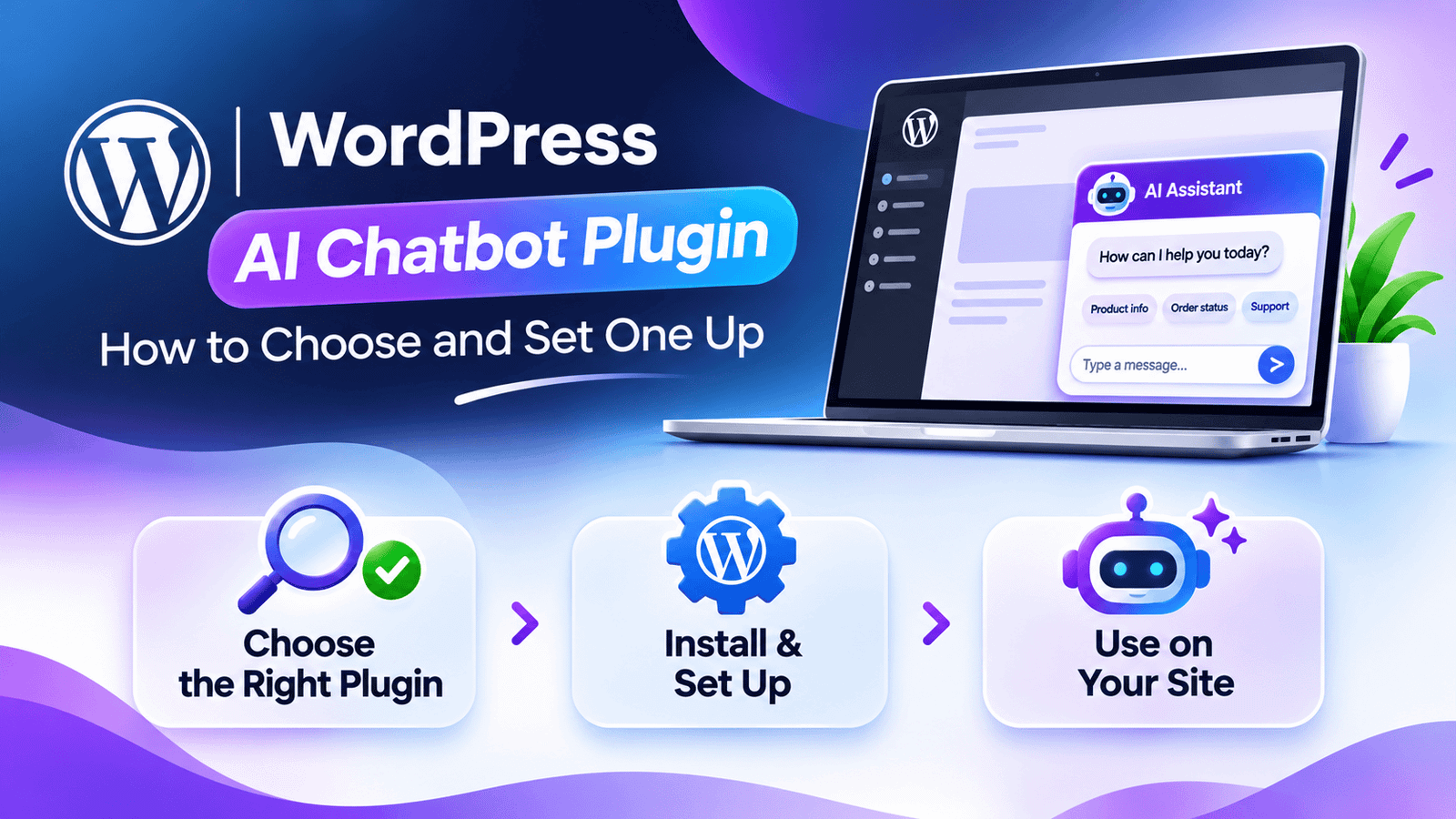
A WordPress AI chatbot plugin adds a chat window to your site that answers visitor questions on its own, using an AI model trained on your pages, FAQs and documents. Done well, it answers common questions instantly, captures leads after hours and hands real conversations to your team. Done badly, it gives wrong answers and slows your site down.
This guide explains the main types of AI chatbot plugins for WordPress, what to compare before you install one, how to set it up properly and when a custom chatbot is the better choice.
1The 3 types of WordPress AI chatbot plugins
1. Live chat platforms with an AI assistant
These are customer support tools (Tidio is a well-known example) with a WordPress plugin that installs the chat widget. The AI assistant answers first and a human agent can take over in the same inbox. They suit businesses that already have someone answering chats and want AI to handle the repeat questions.
2. Plugins that connect your site directly to an AI model
These plugins (AI Engine is a popular example) run inside WordPress and connect to a model provider such as OpenAI using your own API key. You pay the provider for usage and keep more control over the prompt, the data and the design. They suit site owners who are comfortable with settings and want flexibility.
3. Hosted chatbot builders you embed on WordPress
Services such as Chatbase or Botpress let you build and train the bot on their platform, then paste a short script or use their plugin to show it on your site. Training, analytics and integrations live outside WordPress, which keeps your site lighter.
2What to compare before you install one
- Training sources: can it learn from your pages, PDFs, FAQs and product data, and can you control what it must never answer?
- Answer accuracy and guardrails: does it say “I don’t know” and hand over when unsure, or does it guess?
- Human handover: can a visitor reach a person by email, WhatsApp or live chat without starting again?
- Lead capture: can it collect name, email and phone and send them to your inbox or CRM?
- Page speed: does the widget load after the page, or does it add heavy scripts to every page? Test your Core Web Vitals before and after.
- Pricing model: fixed monthly plan, per-conversation pricing or your own API usage. Estimate your monthly chat volume first.
- Privacy: where conversations are stored, whether you can delete them and whether it fits your privacy policy and GDPR needs.
- WooCommerce support: for stores, can it look up products, stock and order status?
3How to set up an AI chatbot on WordPress
- List the top questions. Collect the 30 to 50 questions customers ask most from emails, calls and chat history. This list is the bot’s real job description.
- Prepare clean source content. Make sure your pricing, services, policies and FAQ pages are up to date. The bot can only be as accurate as the content it learns from.
- Install and connect. Install the plugin or embed script, connect your account or API key and train it on the pages and files you prepared.
- Write the instructions. Set the tone, what the bot should do (answer, book, collect leads) and what it must never do, such as quoting custom prices or giving legal advice.
- Set up handover. Route conversations it cannot answer to email, WhatsApp or a live agent.
- Test with real questions. Ask your top 50 questions and fix every weak or wrong answer before going live.
- Review weekly. Read real conversations for the first month and keep improving the content and instructions.
4Common mistakes to avoid
- Launching without testing, so the bot invents prices or policies.
- No way to reach a human, which frustrates the visitors most likely to buy.
- Loading the chat script on every page before the content, which hurts page speed.
- Running two chat plugins at once, which often causes a WordPress plugin conflict.
5Plugin or custom AI chatbot?
A ready-made plugin is the fastest and cheapest start for answering common questions. A custom chatbot makes sense when you need it to read live data (bookings, orders, CRM records), follow strict business rules, work across your website and WhatsApp, or keep all data on your own systems. If you want to see how a custom build works, read our guide to building a customer support chatbot with LangChain.
Coderxa builds and sets up both: we configure the right plugin for simple needs and build custom AI chatbots and virtual assistants trained on your business for everything else, including WhatsApp and Messenger automation.
6WordPress AI chatbot plugin FAQs
Can I add an AI chatbot to WordPress for free?
Many chatbot plugins have a free plan with limited conversations or features, and plugins that use your own API key are free to install but charge for AI usage through the model provider. For a business site, expect some monthly cost once real traffic uses it.
Will an AI chatbot plugin slow down my WordPress site?
It can if the chat script loads before your page content. Choose a widget that loads after the page, test your Core Web Vitals before and after installing it, and avoid running more than one chat plugin.
How do I train a WordPress chatbot on my own content?
Most AI chatbot tools let you add your site URL, specific pages, FAQs and uploaded documents as training sources. Keep that content accurate and up to date, then test the bot with the real questions your customers ask.
Can an AI chatbot work with WooCommerce?
Some chatbot tools can read product information and answer stock or shipping questions, and a custom chatbot can also look up order status through the WooCommerce API. Check this feature before you choose a plugin for a store.
Is an AI chatbot safe for customer data?
It depends on the provider. Check where conversations are stored, whether data is used to train other models, and whether you can delete it, and mention the chatbot in your privacy policy.
When should I choose a custom chatbot instead of a plugin?
Choose a custom chatbot when it needs live data from your systems, strict rules about what it can say, the same assistant on your website and WhatsApp, or full control over where data is stored.
Join the Conversation 0
Share your thoughts, questions or experience. We read every comment.
No comments yet. Be the first to share your thoughts!