A Faster Website Starts With Better Decisions
Website speed is no longer something you should think about only after a WordPress site has been built. Performance should be considered from the moment you choose your hosting, theme, plugins, images, and page structure.
Visitors expect websites to respond quickly. When a page feels slow, navigating the site becomes frustrating, product discovery becomes harder, and users may leave before they reach the information they need. For business websites and online stores, this can directly affect the customer journey.
Google also uses Core Web Vitals to evaluate real-world aspects of user experience. The current metrics focus on loading performance, responsiveness, and visual stability. Google recommends an LCP of 2.5 seconds or less and an INP below 200 milliseconds for a good experience.
A fast WordPress website therefore needs more than a single “speed optimization” plugin. It requires a balanced approach.
Start With Quality Hosting
Your hosting environment provides the foundation for everything WordPress does.
A powerful theme cannot compensate for a server that regularly struggles to process requests. Likewise, aggressive optimization plugins cannot completely solve problems caused by insufficient server resources.
Choose hosting that is appropriate for the size and complexity of your website. A simple company website has different requirements from a WooCommerce store processing hundreds of orders.
Pay attention to server resources, PHP support, storage performance, backup options, security features, scalability, and support quality.
For WooCommerce stores in particular, the hosting environment becomes increasingly important as the database, customer accounts, orders, and extensions grow.
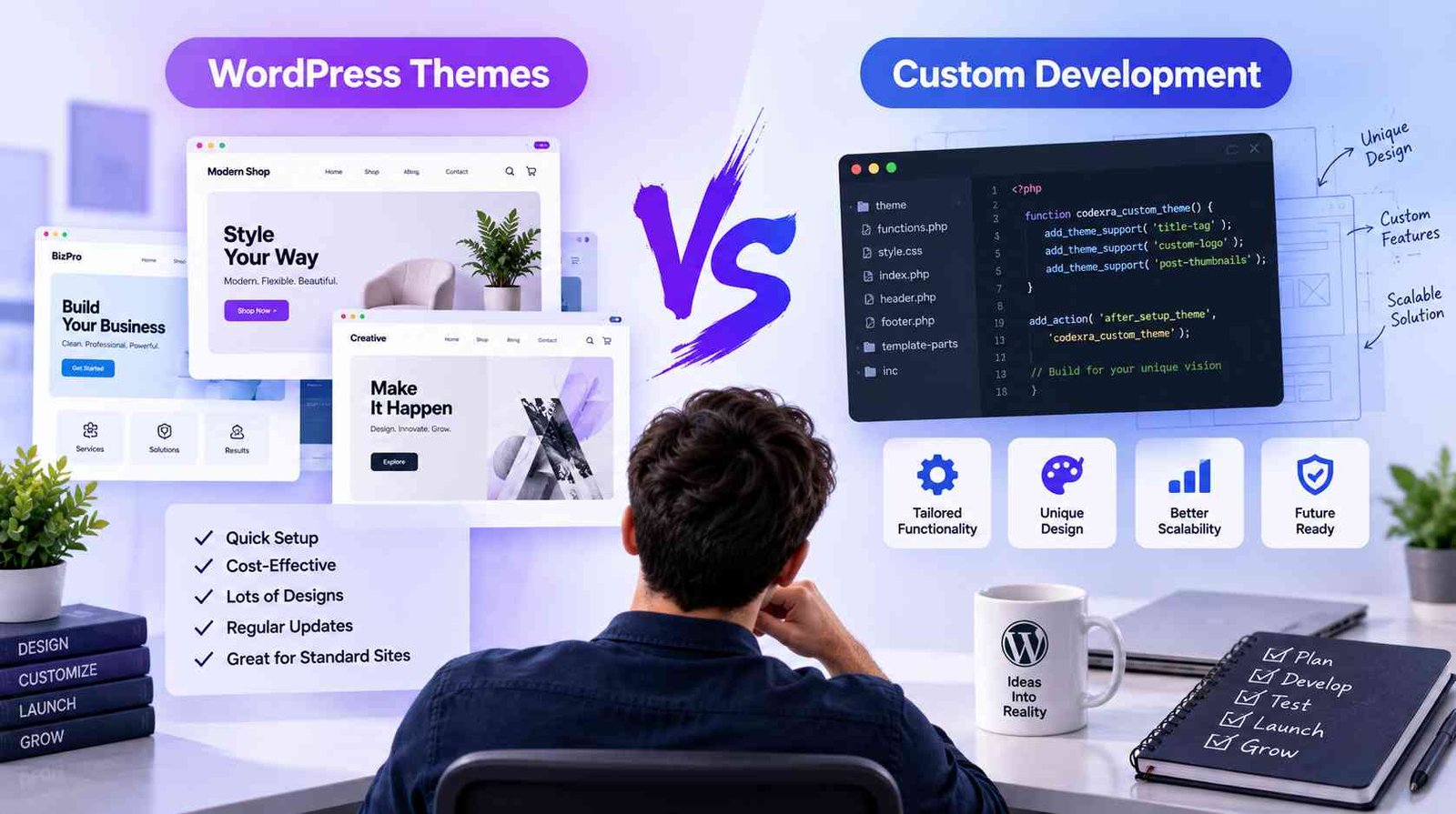
Choose Your WordPress Theme Carefully
A theme controls much more than the appearance of your website.
Themes may contain templates, stylesheets, scripts, PHP functionality, fonts, animations, page-building components, and other assets. WordPress describes a theme as a collection of files working together to create a site’s graphical interface and design.
The more unnecessary functionality a theme loads, the more work a browser may need to perform.
When selecting a theme, look beyond the demo design. Consider whether it is actively maintained, responsive, compatible with your required plugins, easy to customize, and appropriate for the type of site you are building.
Modern WordPress block themes can also provide greater control over headers, footers, templates, styles, and other areas through the Site Editor.
The best theme is not necessarily the one containing the largest number of features. It is the one that gives you the features your website actually needs without creating unnecessary complexity.
Be Selective With Plugins
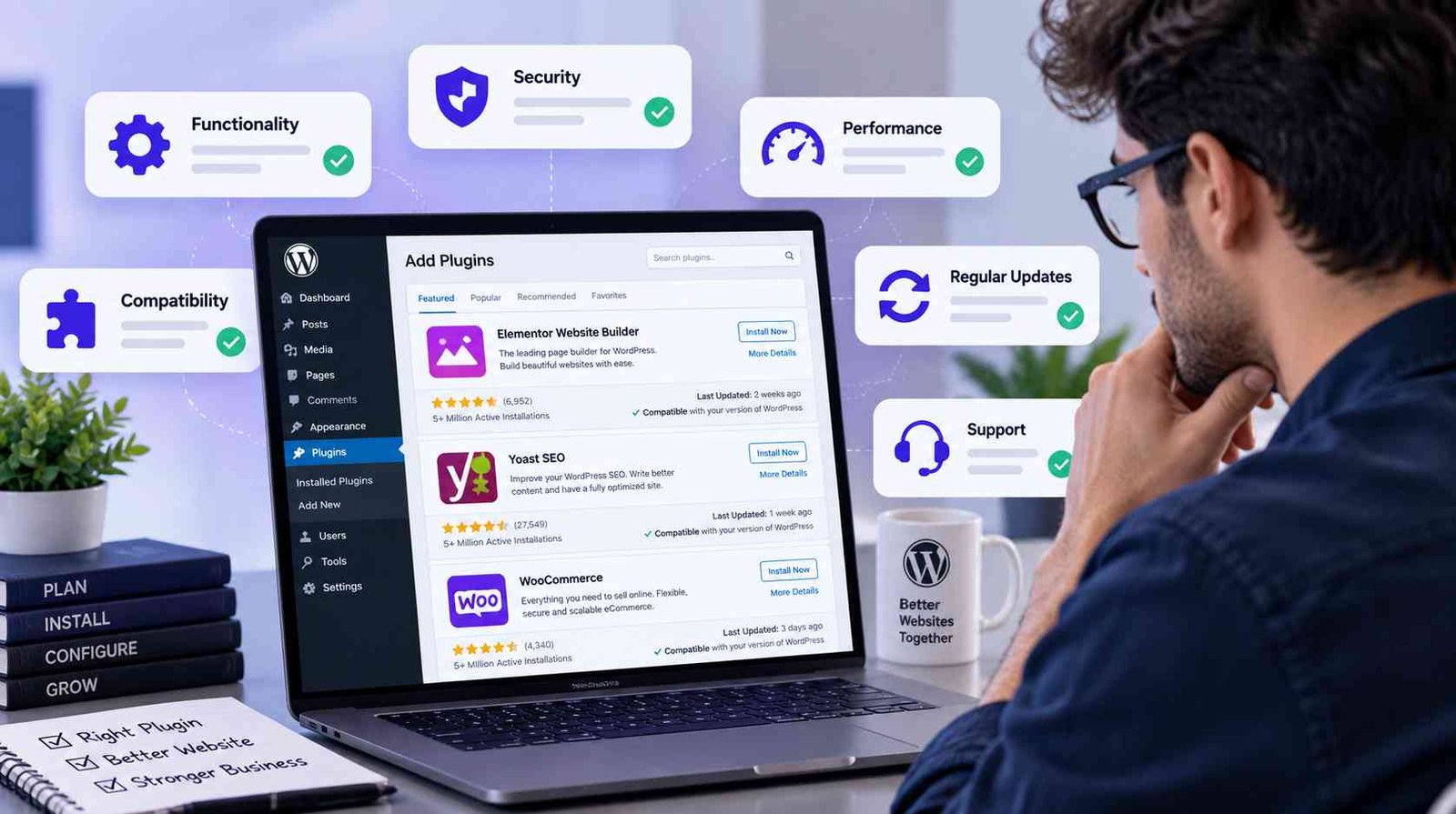
Plugins are one of WordPress’s greatest advantages. They allow website owners to add functionality without modifying WordPress core files. The official WordPress Plugin Handbook specifically recommends extending functionality through plugins rather than editing WordPress core.
But plugins should still be chosen carefully.
Twenty well-developed plugins may perform better than five poorly optimized ones, so simply counting plugins is not enough. What matters is what each plugin does, what assets it loads, how often it queries the database, and whether its functionality overlaps with another plugin.
Before installing something new, ask whether the feature is genuinely necessary.
If two plugins perform almost the same task, consider whether one can be removed. Regularly review inactive and obsolete plugins, and keep active plugins updated.
Security should also be part of the selection process. WordPress’s official plugin guidance emphasizes secure development and holds plugin developers responsible for their plugin’s code and behavior.
Optimize Your Images
Large images are one of the most common causes of unnecessarily heavy webpages.
A high-resolution photograph straight from a camera may be several megabytes even though it is displayed at only a fraction of its original dimensions.
Resize images before uploading them when possible. Compress them appropriately and use modern formats where supported.
You should also avoid using a 3000-pixel-wide image inside an area that is only 500 pixels wide.
WooCommerce’s own performance documentation identifies oversized images as a common contributor to slow front-end performance.
For eCommerce sites, image optimization is particularly important because category and product pages may display many product photographs at the same time.
The goal is not to make images look poor. It is to find the right balance between visual quality and file size.
Use Caching Properly
Without caching, WordPress may need to process PHP and database queries repeatedly whenever visitors request a page.
Caching can reduce this workload by storing generated content or frequently requested resources so they can be served more efficiently.
WooCommerce recommends caching as one of the techniques for improving store performance, although caching needs to be configured carefully because dynamic pages such as carts, customer accounts, and checkout behave differently from ordinary content pages.
After enabling caching, always test important parts of the website.
Check forms, menus, logged-in experiences, carts, checkout processes, and other dynamic elements rather than assuming everything still works correctly.
Consider a Content Delivery Network
A Content Delivery Network, or CDN, can serve static resources such as images, CSS, and JavaScript from geographically distributed servers.
This can reduce the distance between visitors and the server delivering those files.
WooCommerce includes CDN usage among its performance optimization recommendations, particularly for stores serving customers across different locations.
A CDN is not a substitute for a poorly optimized website, but it can complement good hosting, caching, and optimized assets.
Reduce Unnecessary Scripts and Styles
Modern WordPress websites can accumulate JavaScript and CSS from themes, plugins, analytics tools, tracking scripts, chat widgets, fonts, advertisements, and embedded content.
Every addition may seem small by itself, but together they can create a heavy page.
Review third-party tools periodically. Remove scripts that no longer contribute meaningful value.
Minification can also reduce the amount of data browsers download by removing unnecessary characters from code files. WooCommerce includes CSS and JavaScript optimization among its recommended performance practices.
Optimization should always be followed by testing because overly aggressive script combination or deferral can sometimes break functionality.
Keep the WordPress Database Healthy
As a site grows, its database can accumulate revisions, transient data, plugin settings, order records, logs, and other information.
Database optimization does not mean deleting data at random. It means understanding what is stored and safely maintaining the database.
WooCommerce has introduced High-Performance Order Storage, or HPOS, which stores order information in dedicated WooCommerce tables optimized for eCommerce queries. WooCommerce describes HPOS as improving scalability, reliability, and simplicity, and it is enabled by default for new installations from WooCommerce 8.2 onward.
Before making database-level changes, always create a reliable backup.
Test Performance Regularly
Optimization is not a one-time project.
A website changes whenever you publish content, install plugins, modify a theme, add tracking tools, upload images, or update software.
That means performance should be checked periodically.
Focus not only on a single numerical score but also on the actual user experience. Test important pages on desktop and mobile, especially your homepage, landing pages, product pages, cart, checkout, and contact pages.
Final Thoughts
A faster WordPress website is usually the result of many sensible decisions working together.
Reliable hosting, an efficient theme, carefully selected plugins, optimized images, caching, database maintenance, and responsible development can create a significant improvement.
At Codexra, our approach is simple: WordPress solutions should not only provide useful functionality—they should also be built with performance, usability, and long-term reliability in mind.