Your Store Experience Is More Than Its Design
A WooCommerce store can look beautiful and still be difficult to shop from.
Customers need to quickly understand what you sell, find the right product, evaluate it, add it to their cart, and complete checkout without unnecessary confusion.
Every step between discovery and purchase contributes to the overall customer experience.
WooCommerce’s current store-editing tools allow store owners to customize catalogs, product templates, cart pages, and checkout experiences through blocks and templates.
Here are seven areas worth improving.
1. Make Product Discovery Simple
Visitors should not need to understand your store structure before they can shop.
Use clear product categories and straightforward navigation.
If your catalog is large, filters and search become increasingly important. Product names should also make sense without requiring users to open every product page.
Consider what a first-time customer is likely to look for.
A store’s internal structure may make perfect sense to the owner because they already understand every product. Customers do not have that knowledge.
Good navigation closes that gap.
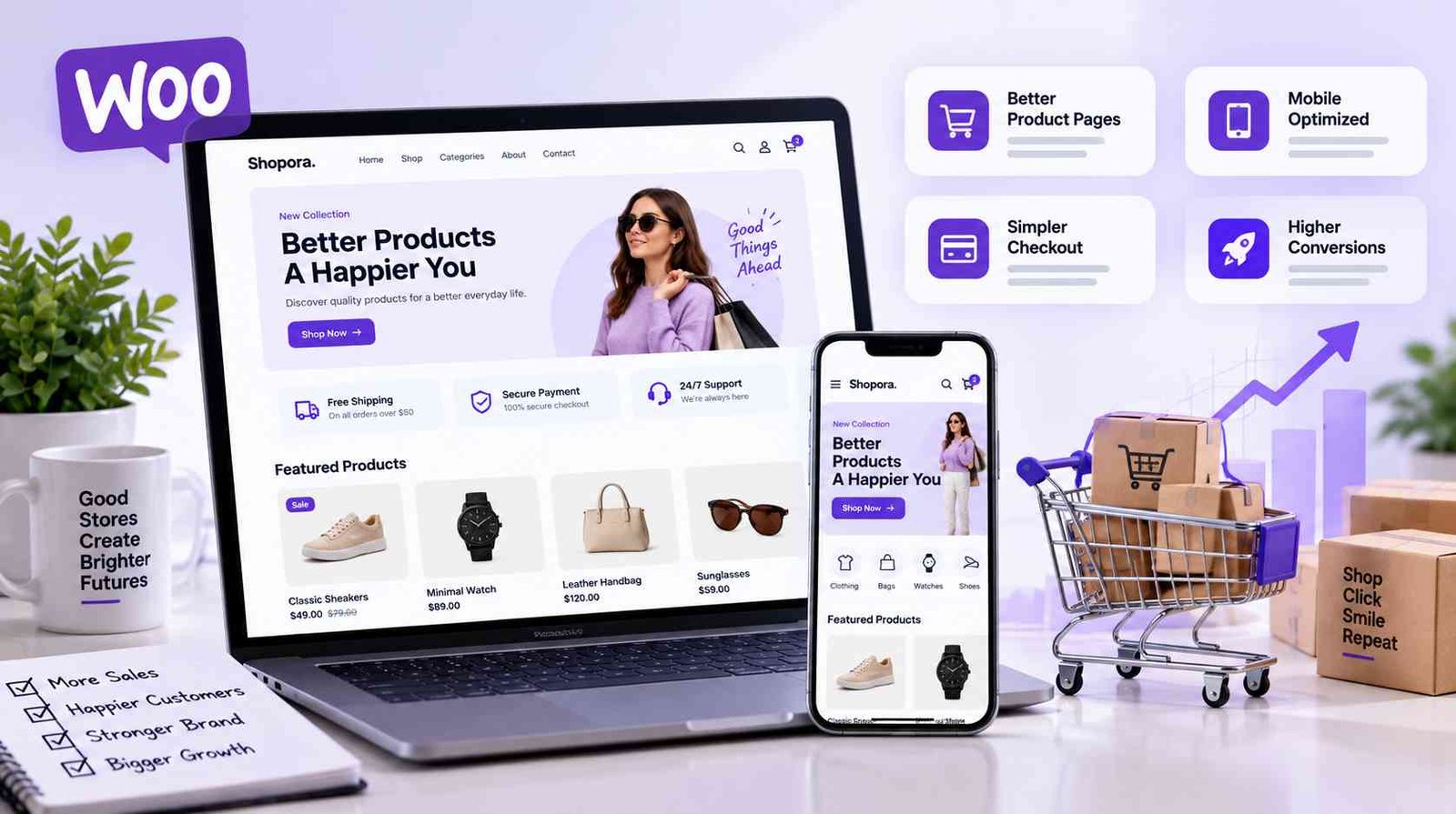
2. Build Better Product Pages
The product page has one primary purpose: give customers enough useful information to confidently decide whether the product is right for them.
Use high-quality product images and make important information easy to scan.
Explain what the product is, who it is for, important features, available options, price, delivery considerations, and anything else necessary before purchase.
Avoid hiding essential information inside excessively long descriptions.
At the same time, do not make the page so minimal that customers have unanswered questions.
WooCommerce’s modern block-based store editing allows store owners to customize product templates and create different layouts for products based on category, tag, attribute, or brand.
This flexibility can be useful when different product types require different information.
3. Prioritize Mobile Shopping
A responsive website should do more than shrink a desktop layout.
Think about the experience on a smaller screen.
Can customers easily tap buttons? Is the product gallery comfortable to use? Do variation selectors fit properly? Is text readable? Does a popup block the entire screen? Can users move through checkout without constant zooming and scrolling?
Test the entire buying process on real mobile devices.
Start from the homepage, find a product, select its options, add it to the cart, and progress through checkout.
Small frustrations become much more noticeable on mobile.
4. Improve Store Performance
Online stores are usually more technically demanding than simple content websites.
WooCommerce pages can contain product images, variation data, carts, sessions, scripts, payment functionality, recommendations, analytics, and other dynamic components.
Performance optimization therefore deserves ongoing attention.
WooCommerce recommends techniques including caching, image optimization, code optimization, CDNs, and database maintenance.
For order-heavy stores, WooCommerce’s High-Performance Order Storage provides dedicated database tables for order information and is designed to improve scalability and reduce the load associated with traditional order storage.
Optimization should never be performed blindly. Measure first, change carefully, and test afterward.
5. Simplify Cart and Checkout
Every unnecessary obstacle during checkout gives customers another opportunity to abandon the process.
WooCommerce describes its Cart and Checkout blocks as providing a low-friction experience designed to help customers review and complete purchases.
The current Checkout block brings together customer details, shipping, payment information, and order review within a structured checkout experience.
Keep the checkout visually focused.
WooCommerce’s default block Checkout template intentionally uses a simplified header so shoppers face fewer distractions while completing their purchase.
Only request information you genuinely need.
Clearly communicate available payment methods, delivery costs, and important policies before the customer reaches the final action.
Surprises at checkout damage trust.
6. Make Store Feedback Clear
Customers should always understand what happened after they take an action.
When someone adds an item to the cart, show clear confirmation.
If a coupon fails, explain why.
If a variation is unavailable, make that understandable before checkout.
If a payment is unsuccessful, give the user enough information to know what to do next without exposing sensitive technical details.
Small feedback improvements can make an online store feel significantly more polished.
This principle also applies to loading states. If the website is processing something, provide appropriate visual feedback rather than leaving shoppers wondering whether their click worked.
7. Continuously Review the Customer Journey
A store is never truly finished.
Products change. Customer expectations change. WordPress changes. WooCommerce changes. Payment technologies change.
Regularly test your own website as if you were a new customer.
Look at analytics, support questions, failed searches, checkout problems, abandoned carts, and common customer confusion.
These signals can reveal where the experience needs improvement.
Sometimes the most valuable optimization is not a complete redesign. It may simply be changing a confusing button, improving a product description, removing an unnecessary checkout field, or simplifying navigation.
Store Growth Comes From Removing Friction
Improving a WooCommerce store is ultimately about reducing unnecessary effort.
Customers should not have to fight the interface to buy from you.
Clear navigation helps people discover products. Better product pages answer questions. Mobile optimization makes shopping accessible. Performance keeps the experience responsive. Streamlined checkout helps customers finish what they started.
When all of these elements work together, the store becomes easier to use and easier to manage.
At Codexra, we build WooCommerce and WordPress solutions around this principle: useful technology should make the customer journey simpler rather than more complicated.