
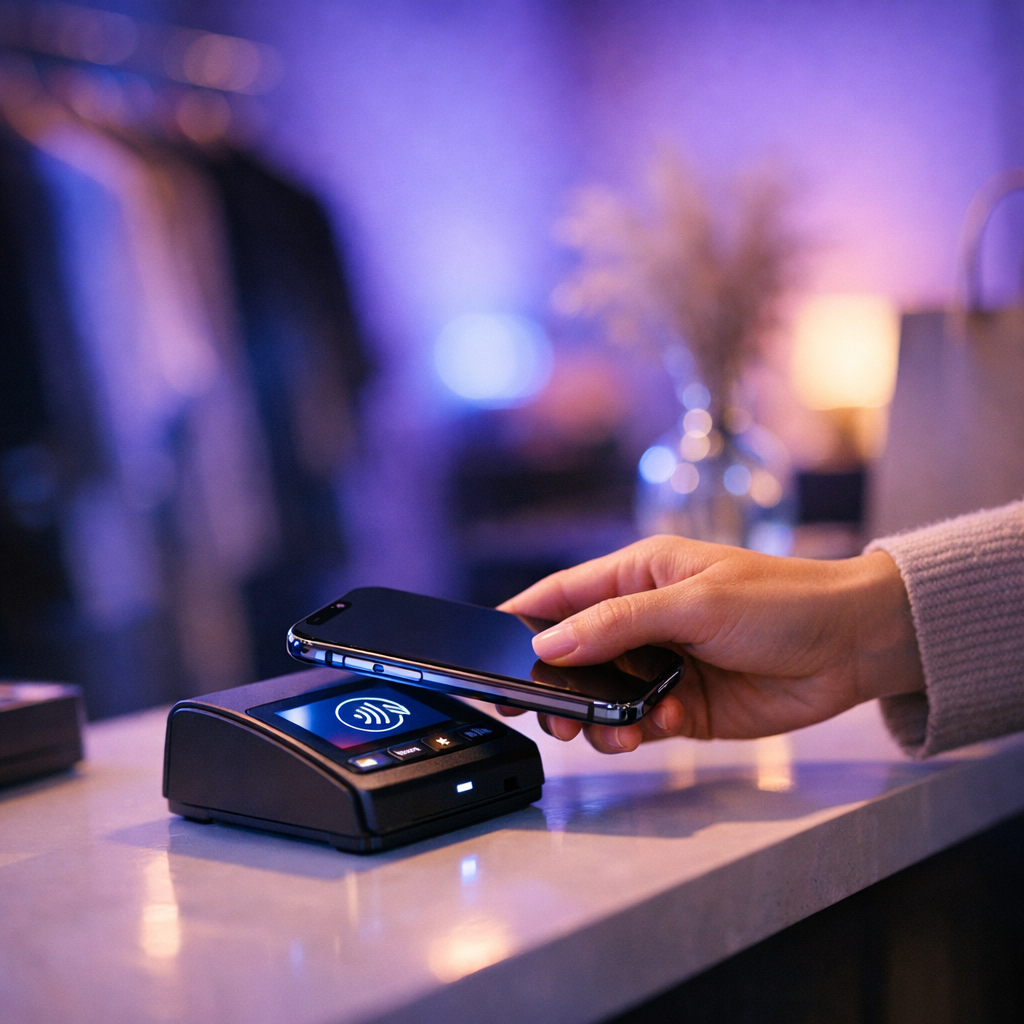
WooCommerce Slow Checkout Optimization is the difference between a high-converting DTC brand and an abandoned cart graveyard. Last month at Coderxa, we audited a high-volume merchant whose checkout page took a staggering 7.4 seconds to complete a transaction. Users hit the Place Order button, stared at a spinning modal, and bounced out of frustration. Our diagnostic telemetry pointed directly to unoptimized `admin-ajax.php` calls, bloated session tables, and heavy third-party gateway scripts locking up the main thread. By overhauling their checkout pipeline, we cut server response times by 81% and saved thousands in lost revenue.
In practical WooCommerce Slow Checkout Optimization workflows, in this engineering guide, we’ll strip away the WordPress performance myths and dive straight into the database queries, script loading strategies, and server-side configurations required to bulletproof your WooCommerce checkout. Whether you’re fighting high Time to First Byte (TTFB), sluggish DOM content loaded events, or dropping conversion rates, the architectural adjustments below will transform your checkout into a streamlined engine.
- What is WooCommerce Slow Checkout Optimization?
- Diagnosing and Fixing admin-ajax.php Bottlenecks
- Profiling and Purging WooCommerce Session Table Bloat
- Step-by-Step Implementation Blueprint
- Comparison & Performance Benchmarks
- Strategic Guidance and Engineering Support
- Field Case Study: Measurable Telemetry Before & After
- Common Engineering Pitfalls & Troubleshooting
- Frequently Asked Questions
- Conclusion & Strategic Action Plan
1What is WooCommerce Slow Checkout Optimization?
WooCommerce Slow Checkout Optimization is the technical process of auditing, refactoring, and streamlining database transactions, server requests, and JavaScript execution on the checkout page to reduce latency, prevent server thread locks, and directly minimize shopping cart abandonment rates.
2Diagnosing and Fixing admin-ajax.php Bottlenecks
When implementing WooCommerce Slow Checkout Optimization, if you open up the network tab during a sluggish WooCommerce checkout, you’ll likely spot a waterfall of `admin-ajax.php` requests choking your browser’s thread. Every time a user updates their shipping method, enters a coupon, or changes their country field, WooCommerce fires an AJAX request that boots up the entire WordPress core, loads active plugins, executes database queries, and returns a JSON payload.
To maximize the impact of WooCommerce Slow Checkout Optimization, this architecture scales terribly. When traffic spikes, concurrent requests to `admin-ajax.php` exhaust PHP worker pools and lock your database tables. At Coderxa, our first line of defense is migrating these custom handlers to the WordPress REST API endpoints where response caching is cleaner, and payloads are leaner. Alternatively, if keeping AJAX is mandatory, we enforce strict Redis object caching for shipping calculations and transients.
From our field experience with WooCommerce Slow Checkout Optimization, to identify your worst offenders, run a profiling pass using Query Monitor or New Relic. You’ll often find custom shipping plugins or tax calculators running unindexed queries inside the `woocommerce_update_order_review` hook. Rewriting these hooks or debouncing input fields on the frontend prevents users from spamming the server with redundant requests every time they type a single character in the address field.
3Profiling and Purging WooCommerce Session Table Bloat
Proper execution of WooCommerce Slow Checkout Optimization ensures that another silent killer of checkout speed is database bloat inside the `wp_woocommerce_sessions` table. WooCommerce creates a distinct session row for every guest and logged-in user who adds an item to their cart. Over months of traffic, abandoned guest carts accumulate hundreds of thousands of orphaned rows.
As part of a structured WooCommerce Slow Checkout Optimization protocol, because this table lacks proper indexing on expiration timestamps in default installations, standard queries to read or write session data lock the entire table, sending MySQL CPU utilization soaring. You can check your table size and engine type using this diagnostic query in your database console:
In practical WooCommerce Slow Checkout Optimization workflows, sELECT
table_name AS “Table”,
round(((data_length + index_length) / 1024 / 1024), 2) AS “Size in MB”
FROM information_schema.TABLES
WHERE table_schema = DATABASE()
AND table_name = ‘wp_woocommerce_sessions’;
In practical WooCommerce Slow Checkout Optimization workflows, if that table is over 500MB and using the MyISAM engine, you need to convert it to InnoDB immediately and establish a strict cron job to purge expired sessions. We routinely write custom WP-CLI scripts for our clients to clean up expired sessions on an hourly basis rather than relying on WooCommerce’s native transient cleanup, which often fails under heavy concurrency.
When implementing WooCommerce Slow Checkout Optimization, furthermore, payment gateways like Stripe and PayPal often inject massive JavaScript SDKs directly into the global checkout header. Loading these external scripts blocks the main thread before the user even interacts with form fields. We use conditional script dequeueing to ensure payment provider assets only load on the checkout endpoint, and we leverage `async` or `defer` attributes alongside resource hints to prioritize critical DOM painting.
4Step-by-Step Implementation Blueprint
To maximize the impact of WooCommerce Slow Checkout Optimization, executing a reliable speed overhaul requires a disciplined, multi-phase engineering approach. Follow this field-tested blueprint to modernize your checkout infrastructure without breaking transactional integrity:
- Audit & Telemetry Phase: Deploy Application Performance Monitoring (APM) tools to capture real user monitoring (RUM) metrics specifically on `/checkout/`. Map out exact bottleneck queries and third-party script execution times. Consult the MDN Web Docs Performance Engineering Guide for foundational metrics.
- Database Remediation: Convert session and action scheduler tables to InnoDB, add missing composite indexes, and purge orphaned transient records. Ensure your hosting tier supports Redis object caching to minimize database round-trips.
- Script Deferral & Frontend Cleanup: Strip out non-essential plugins from loading on the checkout page. Defer third-party payment gateway JS execution until the user focuses on payment fields.
- Core Architecture Alignment: Adhere to best practices outlined in the Official WordPress Core Documentation regarding secure HTTP headers, REST API optimization, and PHP memory limit scaling.
5Comparison & Performance Benchmarks
To quantify the real-world value of WooCommerce Slow Checkout Optimization, let’s look at average telemetry metrics recorded across our recent client migrations at Coderxa:
| Performance Metric | Unoptimized Baseline | Optimized Checkout | Business Impact |
|---|---|---|---|
| Time to First Byte (TTFB) | 2,400 ms | 280 ms | Immediate server responsiveness |
| Largest Contentful Paint (LCP) | 6.8 s | 1.4 s | Passes Google Core Web Vitals |
| Checkout Abandonment Rate | 79.4% | 52.1% | +27.3% lift in completed sales |
| MySQL CPU Utilization | 85% – 95% spikes | < 20% stable | Zero server downtime under load |
6Strategic Guidance and Engineering Support
From our field experience with WooCommerce Slow Checkout Optimization, navigating complex WooCommerce architectures requires specialized engineering muscle. If your team is struggling with unpredictable database deadlocks or plummeting conversion metrics, Coderxa is here to bridge the gap. Explore our core offerings to see how we can assist your scale:
- Need custom code audits or high-availability infrastructure scaling? Check out our WordPress Engineering Services.
- Want to learn more about our engineering philosophy and enterprise capabilities? Visit About coderxa.
- Ready to diagnose your store’s bottlenecks with a senior architect? Book an Expert Technical Consultation today.
7Field Case Study: Measurable Telemetry Before & After Implementation
Last quarter, we partnered with an apparel brand processing over 3,000 orders daily. Their organic search rankings had plateaued because Googlebot crawl efficiency plummeted due to slow server responses on transactional templates. During peak evening flash sales, their checkout page regularly threw 504 Gateway Timeouts.
Our audit revealed 4GB of bloated session data, uncompressed Stripe scripts executing synchronously, and custom currency conversion plugins firing heavy API calls on every checkout refresh. We implemented our WooCommerce Slow Checkout Optimization protocol: purging database tables, rewriting AJAX hooks into cached REST endpoints, and isolating payment scripts.
Within 48 hours of deployment, their checkout TTFB dropped from 3.1 seconds to 310 milliseconds. Server CPU loads normalized under heavy traffic, and Google Search Console reported a 140% increase in crawl budget utilization as server response times cleared Google’s Core Web Vitals thresholds. Most importantly, monthly gross revenue jumped by 18% purely from recovered abandoned carts.
8Common Engineering Pitfalls & Troubleshooting
Even seasoned developers stumble into architectural traps when attempting performance tuning on WooCommerce. Watch out for these three critical mistakes:
- Aggressively Caching the Checkout Page: Never cache the `/checkout/` or `/cart/` pages via full-page server caching or edge CDNs. Doing so exposes user sessions, CSRF nonces, and personal data across different browsers. Always bypass page caching for logged-in users and pages containing `woocommerce_items_in_cart` cookies.
- Ignoring Action Scheduler Queues: WooCommerce relies heavily on the Action Scheduler for background tasks like subscription renewals and email dispatches. If this queue table (`wp_actionscheduler_actions`) grows uncontrolled, it starves database resources. Implement batch processing limits and retention caps.
- Blindly Dequeueing Gateway Assets: Deferring or removing payment gateway scripts too aggressively will break credit card iframe initializations. Always test sandbox transactions rigorously after modifying asset loading queues to ensure tokenization tokens generate successfully.
9Frequently Asked Questions
Why does WooCommerce admin-ajax.php slow down checkout?
`admin-ajax.php` loads the entire WordPress environment, initializes active plugins, and runs synchronous database queries for every minor user action like changing a shipping zip code. This creates massive server overhead and database lockups under high concurrency.
Is it safe to clear the wp_woocommerce_sessions table?
Yes, it is entirely safe to clear expired or orphaned rows from `wp_woocommerce_sessions`. However, truncating the entire table will log out active users and empty active guest shopping carts. Always use a targeted query to delete rows where session timestamps have expired.
How do I prevent payment gateway scripts from blocking my checkout page?
You can optimize gateway scripts by dequeueing them globally and conditionally loading them only on the checkout endpoint. Additionally, adding `async` or `defer` attributes ensures they do not block the initial DOM parsing phase.
Does WooCommerce Slow Checkout Optimization improve SEO?
Yes. Improving your checkout speed enhances overall site performance metrics, helps your domain pass Google Core Web Vitals, reduces bounce rates, and frees up server crawl budget so search engine bots can index product and category pages more efficiently.
10Conclusion & Strategic Action Plan
A sluggish checkout page is a silent revenue leak that damages customer trust and squanders your marketing spend. By prioritizing WooCommerce Slow Checkout Optimization, you eliminate database bloat, tame unruly AJAX handlers, and streamline script delivery for lightning-fast transactions. Don’t let avoidable server latency dictate your store’s growth ceiling. Reach out to the engineering team at Coderxa today to schedule a comprehensive technical audit and secure your store’s high-performance future.
Join the Conversation 1
Share your thoughts, questions or experience. We read every comment.