
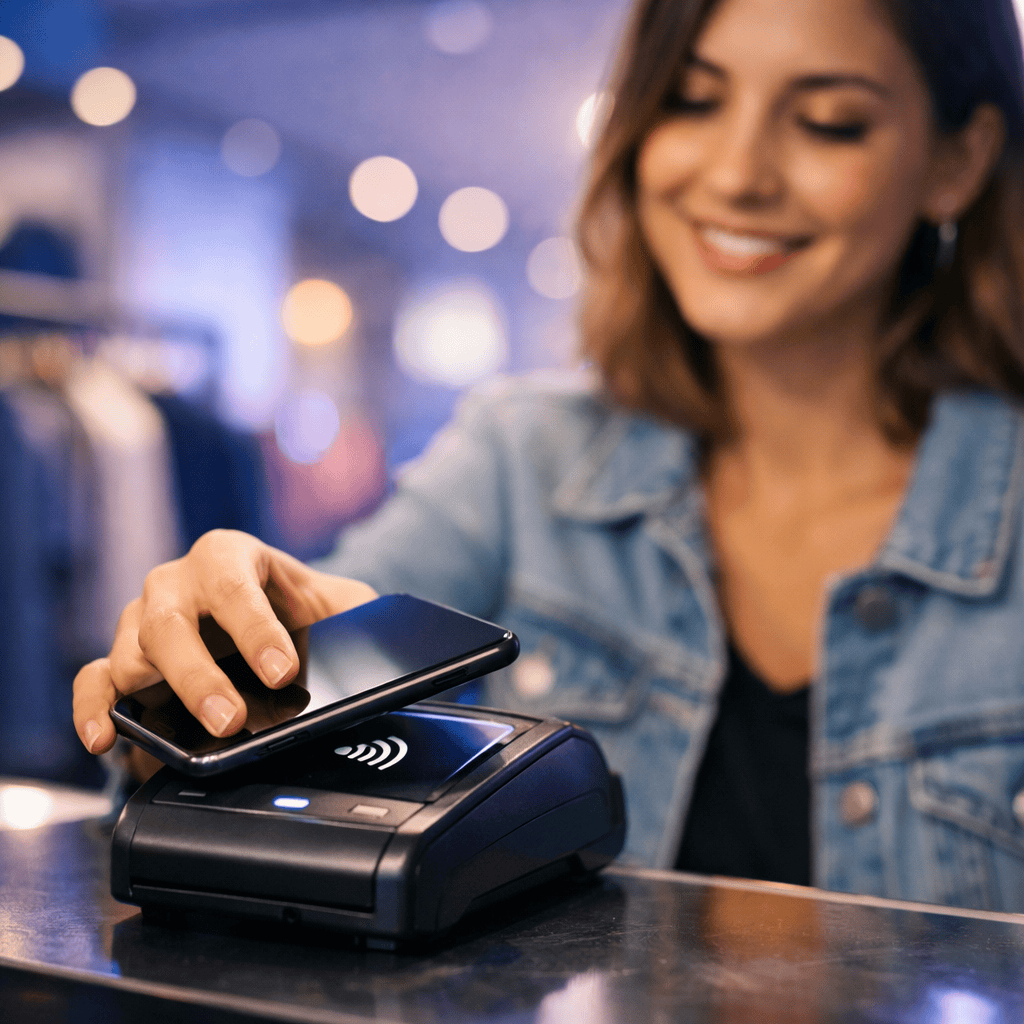
WooCommerce Store Experience Optimization is the rigorous engineering discipline of eliminating performance bottlenecks, layout shifts, and friction points across the entire e-commerce stack to maximize both conversion rates and search engine crawl efficiency. Database queries were ballooning due to unindexed product meta tables, and Googlebot was wasting its crawl budget on redundant filter permutations.
By treating performance engineering as a holistic ecosystem—rather than just installing another caching plugin—we restructured their frontend assets, optimized the database query patterns, and stripped out legacy checkout bloat. The result? A sub-800ms Largest Contentful Paint (LCP), a streamlined purchasing flow, and a measurable lift in organic indexation. Let’s break down how we engineered these improvements and how you can apply the exact same architecture to your store.
1What is WooCommerce Store Experience Optimization?
WooCommerce Store Experience Optimization is the technical process of refining database queries, streamlining frontend JavaScript bundles, implementing instant search indexing, and engineering single-page checkouts to minimize user friction, drastically reduce server response times, and improve Core Web Vitals.
2Engineering Frictionless Checkouts and Instant Search
Most default WooCommerce installations rely on a fractured multi-page checkout process that forces users to reload the page multiple times between shipping, billing, and payment steps. Every full page reload introduces server latency and friction, directly tanking conversion rates. To fix this, we replace the legacy checkout loop with a localized, reactive single-page architecture that communicates via asynchronous REST API endpoints. We also strip out unnecessary form fields using hooks like woocommerce_checkout_fields , reducing cognitive load for the buyer.
Simultaneously, search abandonment is a silent killer for e-commerce revenue. Standard WordPress database queries using LIKE ‘%keyword%’ statements will instantly bring down a MySQL server under high concurrent traffic because they trigger sequential table scans. For instantaneous search auto-complete, we bypass traditional SQL queries entirely and implement a localized, memory-cached indexing layer using Algolia or custom Redis-backed inverted indices. When a user types into the search bar, results render in under 50 milliseconds without hitting the primary database thread.
3Mobile Viewport Ergonomics and Trust Signal Architecture
Mobile conversion rates often lag behind desktop figures not because users don’t want to buy, but because of poor mobile viewport ergonomics. We engineer responsive layouts that enforce proper touch targets (minimum 48x48px), eliminate horizontal overflow, and defer non-critical CSS to prevent layout shifts. Using CSS Grid and Flexbox, product galleries and Add-to-Cart buttons remain sticky within the natural thumb zone during scroll events.
Trust signals must be deployed programmatically without harming page performance. Heavy third-party badge scripts can destroy your LCP score if loaded synchronously. We inject verified security badges, payment gateway icons, and customer review snippets via lightweight inline SVGs or dynamic client-side hydration after the main execution thread has finished parsing. This keeps the performance score green while reassuring prospective buyers that their transaction is secure.
4Execution Blueprint for WooCommerce Store Experience Optimization
Deploying a comprehensive optimization strategy requires a methodical, phase-by-phase engineering approach. Here is the blueprint we follow on enterprise client builds at Coderxa:
- Audit & Profiling: Run deep telemetry diagnostics using New Relic, Query Monitor, and PageSpeed Insights to isolate slow SQL queries and unoptimized assets. Review the Official WordPress Core Documentation for proper hook execution order.
- Database Indexing: Add custom composite indexes to
wp_postmetaandwp_woocommerce_order_itemsto accelerate meta queries and cart retrieval times. - Checkout Streamlining: Consolidate shipping, billing, and payment fields into a single-page reactive view, enabling persistent form-state saving via local storage.
- Search Optimization: Offload product lookups to a dedicated indexing solution or Redis cache to protect server CPU utilization.
- Frontend Asset Tuning: Audit and defer third-party JavaScript execution. Consult the MDN Web Docs Performance Engineering Guide for advanced resource hints and preloading techniques.
5Scaling Your Systems with WooCommerce Store Experience Optimization Consulting
6Debugging & Solving Common WooCommerce Store Experience Optimization Bottlenecks
When developers attempt performance overhauls, several recurring mistakes often cause production instability:
- Over-Caching Dynamic Cart Data: Caching the WooCommerce cart or checkout pages via full-page server caching causes session cross-contamination and broken user states. Always ensure cart, checkout, and my-account endpoints are explicitly bypassed in your caching rules.
- Ignoring Database Bloat from Transients: Uncleaned autoloaded options and expired transients in
wp_optionscan bloat database queries. Implement automated database cleanups and ensure proper indexing on option names. - Unoptimized Third-Party Pixels: Dropping dozens of marketing pixels directly into the head tag without async/defer attributes destroys LCP and blocks main thread execution. Load marketing scripts via a tag manager with proper event-driven triggers.
7Key Questions About WooCommerce Store Experience Optimization Answered
How does a single-page checkout improve conversion rates?
A single-page checkout eliminates unnecessary page reloads and reduces friction by presenting shipping, billing, and payment options on one cohesive screen. This lowers cognitive fatigue and significantly cuts down cart abandonment.
Why do default WooCommerce searches slow down large databases?
Default WooCommerce and WordPress searches rely on SQL LIKE operators that scan entire post and meta tables. As a store grows to thousands of products, these queries spike CPU usage and increase server response times.
What are the most critical Core Web Vitals for e-commerce stores?
Largest Contentful Paint (LCP), Interaction to Next Paint (INP), and Cumulative Layout Shift (CLS) are the most critical. Optimizing these metrics ensures your product pages load quickly, respond instantly to user taps, and remain stable during rendering.
Can trust signals be added without hurting site speed?
Yes. Instead of loading heavy external JavaScript widgets synchronously, trust badges and payment icons should be implemented using inline SVGs or loaded asynchronously after the main DOM content has fully rendered.
8Summary & Action Plan for WooCommerce Store Experience Optimization
Discover our specialized engineering services at WordPress Engineering Services, learn more About coderxa, or schedule an Expert Technical Consultation today.
Join the Conversation 0
Share your thoughts, questions or experience. We read every comment.
No comments yet. Be the first to share your thoughts!